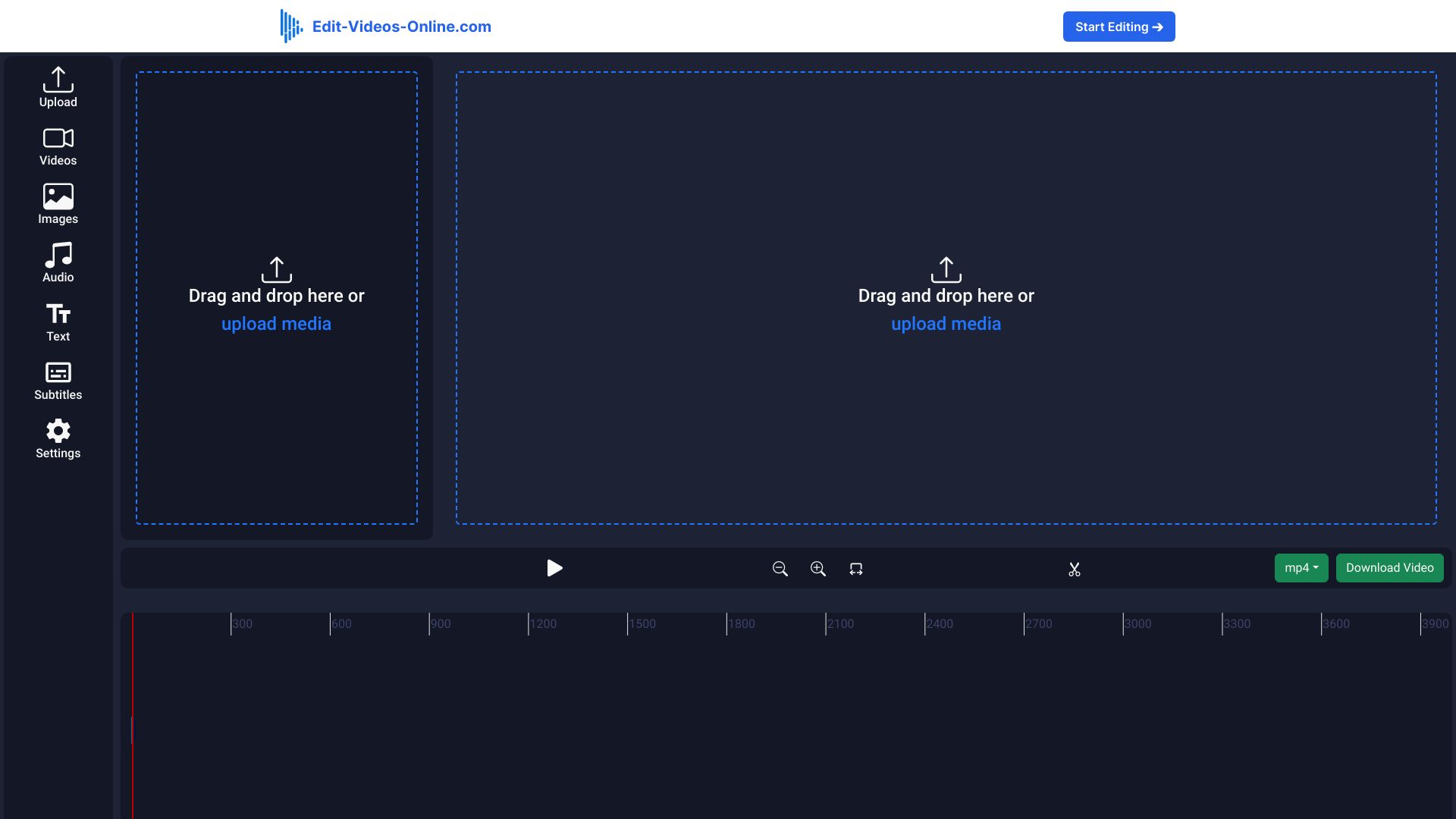
專為創作者與行銷人員打造的全方位 AI 影片生成器、時間軸剪輯軟體與 Seedance 2.5 工作室。
5.0(80 reviews)capcut.com70 savesWebsite
Monthly Visits
48.33M
48,333,116 visits/mo
MoM Traffic Delta
-751.7K
Velocity: -1.5%
Primary Market
🇺🇸United States
Share: 12.9%
Categories & Tags
5 Categories
11 capabilities tagged
https://www.capcut.com
Open Live Site 
關於 CapCut
Originally popularized as a mobile companion app for short-form TikTok creators, CapCut has matured in 2026 into a full-scale generative AI video and design studio spanning browser, desktop (Windows and macOS), iPad, and mobile devices. Alongside its intuitive multi-track timeline editor, CapCut now embeds ByteDance's proprietary Dreamina Seedance 2.0 and 2.5 video generation models, Seedream 5.0 image synthesis, and third-party model access (including Sora 2 and GPT Image 2) directly into the creator workflow.
Creators can begin in Video Studio by typing a topic or pasting a script, selecting a visual aesthetic (such as realistic film, 3D cartoon, or noir cinema), and letting Seedance 2.5 generate multi-shot scenes complete with camera motion, synced voiceovers, and animated subtitles. For timeline refinement, CapCut introduces EditPilot—an AI editing agent that translates natural-language directions into cuts and pacing adjustments—as well as AI Scene Reshoot and Character Consistency tools that keep protagonists visually identical across generated shots.
For commercial marketers, educators, and faceless content channels, CapCut provides a deep library of expressive Seedance 2.5 digital avatars, one-click video background removal, AI voice cloning and noise cleanup, and a Design Studio for AI inpainting, upscaling, and social poster creation. All generated clips open directly inside CapCut's frame-accurate timeline for 4K export.
Key Features & Capabilities
Seedance 2.5 Text-to-Video & Image-to-Video
Generate multi-scene HD videos from scripts, topics, or reference images using ByteDance's Dreamina Seedance 2.5, Dreamontage, and Sora 2 models with controllable camera movement and timestamps.
EditPilot & AI Scene Reshoot
Direct timeline edits using natural language via EditPilot, repair flawed AI shots with AI Scene Reshoot, and lock character facial and wardrobe consistency across multi-shot narratives.
Expressive Digital Avatars & AI Dialogue Scenes
Produce talking-head explainers, product promos, and multi-character dialogue scenes using lifelike AI avatars, custom voice cloning, and lip-synced text-to-speech.
One-Click Auto Captions, Vocal Isolation & Enhancers
Automatically transcribe and style dynamic word-by-word captions, strip background noise from dialogue, remove video backgrounds without a green screen, and upscale footage to 4K.
AI Design Studio with Seedream 5.0
Create thumbnails, ad creatives, and product graphics using Seedream 5.0 and GPT Image 2, complete with AI inpainting, text/people removal, and batch image resizing.
Who Should Use CapCut? (Use Cases)
Short-Form Social Media Creators
Faceless Narrative Channels & Viral Reels
Turn a written topic into a fully scripted, voiced, and captioned multi-scene short video using Seedance 2.5 and kinetic caption templates in minutes.
Performance Marketers & E-Commerce Brands
Rapid UGC Ad & Product Promo Production
Combine digital presenter avatars, automated scriptwriting, and product background cutouts to test dozens of localized video ad hooks without hiring actors.
Indie Filmmakers & Film Students
Zero-Budget Storyboarding & Pre-Visualization
Use 3D Whiteboard Scene Direction, Character Consistency, and cinematic camera movement controls on CapCut Desktop to build multi-scene narrative short films.
Pros & Strengths
- +Seamlessly combines frontier generative video models (Seedance 2.5, Sora 2) with a full-featured, frame-accurate multi-track desktop and web timeline editor.
- +Industry-leading auto-captioning, trendy kinetic text templates, and social-first effects tailored for TikTok, YouTube Shorts, and Reels.
- +Cross-platform cloud sync across Web, Windows, macOS, iOS, and Android with 1 TB storage on paid tiers.
- +Dedicated Character Consistency and AI Scene Reshoot tools solve common multi-shot continuity problems in AI video.
Limitations & Considerations
- –Many effects, transitions, and export resolutions that were historically free are now gated behind the $19.99/mo Pro subscription.
- –High-volume generative video creation quickly consumes monthly AI credits, requiring the $79/mo Ultra plan or extra credit top-ups.
- –Terms of Service and regional availability restrictions have periodically raised data privacy and commercial licensing questions for enterprise teams.
AI Categories (5)
Traffic Acquisition & Channel Breakdown
Monthly Traffic IntelligenceTop Traffic Channels Share
Organic Search35.0%
Direct Traffic30.5%
Paid Search11.8%
Direct Visits
14.75M
14,751,831 / mo
Referral Visits
2.96M
2,960,186 / mo
Email Visits
301K
300,975 / mo
Frequently Asked Questions about CapCut
What is CapCut's Seedance 2.5 AI video generator?
Seedance 2.5 is ByteDance's flagship text-to-video and image-to-video model integrated into CapCut Web and Desktop, allowing users to generate multi-scene videos with controllable camera movements, consistent characters, and digital avatars.
How much does CapCut cost in 2026?
CapCut offers a Free basic tier, CapCut Pro at $19.99/month (1,200 AI credits/mo and up to 100 seconds of Seedance 2.5 video), CapCut Teams at $12.49/seat/month (2-seat minimum), and CapCut Ultra at $79/month (8,645 AI credits/mo and up to 235 seconds of Seedance 2.5 video).
What is the difference between CapCut Web and CapCut Desktop for AI video?
CapCut Web is optimized for fast, script-led instant video generation and browser edits, while CapCut Desktop provides granular scene-by-scene timeline control, 3D whiteboard direction, character consistency locking, and custom 4K frame-rate exports.
Can I edit individual scenes after CapCut generates an AI video?
Yes. Every AI-generated project opens as an editable multi-scene timeline where you can swap visuals, reshoot specific clips with AI Edit, change voiceovers, customize subtitle animations, and mix background music.
Pricing & Plans
Freemium提供包含標準時間軸剪輯與入門範本的免費方案;CapCut Pro 每月 $19.99(含每月 1,200 點 AI 點數、最高 100 秒 Seedance 2.5 AI 影片生成及 1 TB 雲端空間),CapCut Teams 每席位每月 $12.49(最少 2 席位,每席位 1,200 點 AI 點數),CapCut Ultra 每月 $79(含每月 8,645 點 AI 點數及最高 235 秒 Seedance 2.5 影片生成)。
Product Specifications
- Slug / Handle
- capcut-com
- Official Domain
- capcut.com
- Pricing Model
- Freemium
- Supported Platforms
- Website
- Billing
- paypal
- Listed Since
- 2023-12-25
Best CapCut Alternatives & Competitors (12)
Ranked by category overlap and verified monthly web traffic

videoconverter.wondershare.com5.0


hitpaw.com5.0

AI video editor for creators with auto subtitles and stock assets.
762.8K/月-11.8K
🇺🇸US

click.linksynergy.com5.0



wavespeed.ai5.0


Free online video editor with AI tools and rich resources.
1.53M/月-138.1K
🇺🇸US

apowersoft.com5.0


reccloud.cn5.0


novella.io5.0


edit-videos-online.com5.0